
On this page +
01. Choose a manageable start
Our recommendation: begin in Stanton and follow the in-game tutorial. Keep the first session small. Learning the interface, the hangar and a short flight is plenty; you do not need to understand every profession today.
If you skip the tutorial, RSI’s current guide describes starting in your personal hangar. If you wake in a hab instead, follow signs to the spaceport and the vehicle retrieval terminals. Your starting flow can differ with the current build.
02. Take only what you need
Check that your undersuit and helmet are equipped before entering an unpressurised area. Take a little food and drink. Leave expensive equipment behind for the first practice flight; buying a full combat loadout does not make finding the hangar easier.
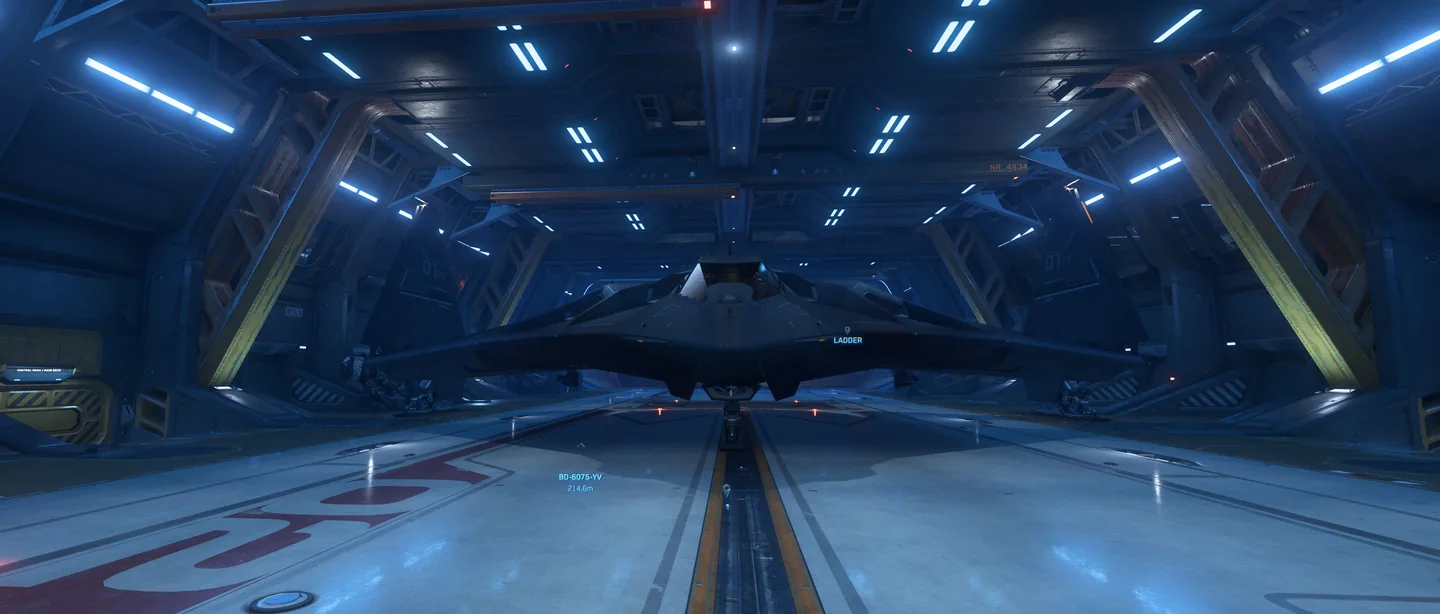
Use F to interact with doors, terminals and cockpit controls. Retrieve your ship at an ASOP terminal and use the hangar elevator if needed. Read the assigned hangar rather than following another pilot.
03. Leave slowly. Return deliberately.
Inspect the cockpit’s power, flight-ready and landing-service controls before moving. Request departure clearance and confirm the hangar doors are open. Lift gently, keep clear of the walls and practise stopping in open space before attempting a long journey.
For the return, request a landing assignment, approach at a speed you can comfortably stop from, and follow the markers. Get comfortable with this loop before adding cargo, passengers or a timed contract.
Your first-session checklist
Checklist progress stays in this browser. No account required.
When something goes wrong
First check the prompt, ship mode and current keybind. If a screen looks stale, give it time before repeating a purchase or retrieval. For a stuck session, use the official support and Issue Council routes rather than deleting settings at random. Ask the crew what is behaving reliably in the current patch.